
Learner Profiles
Set it up once. Every lesson is already theirs.
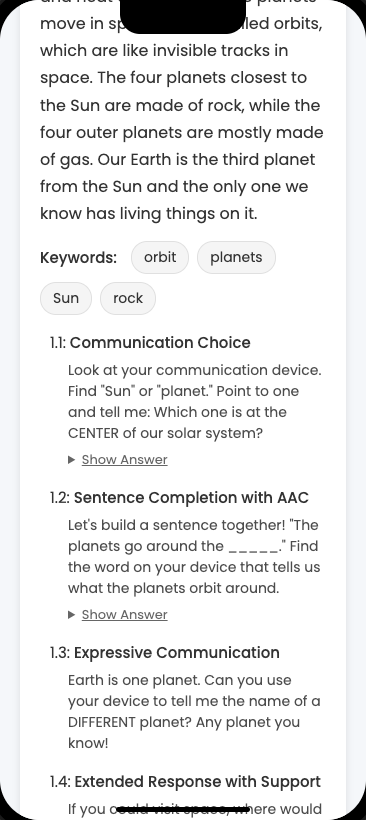
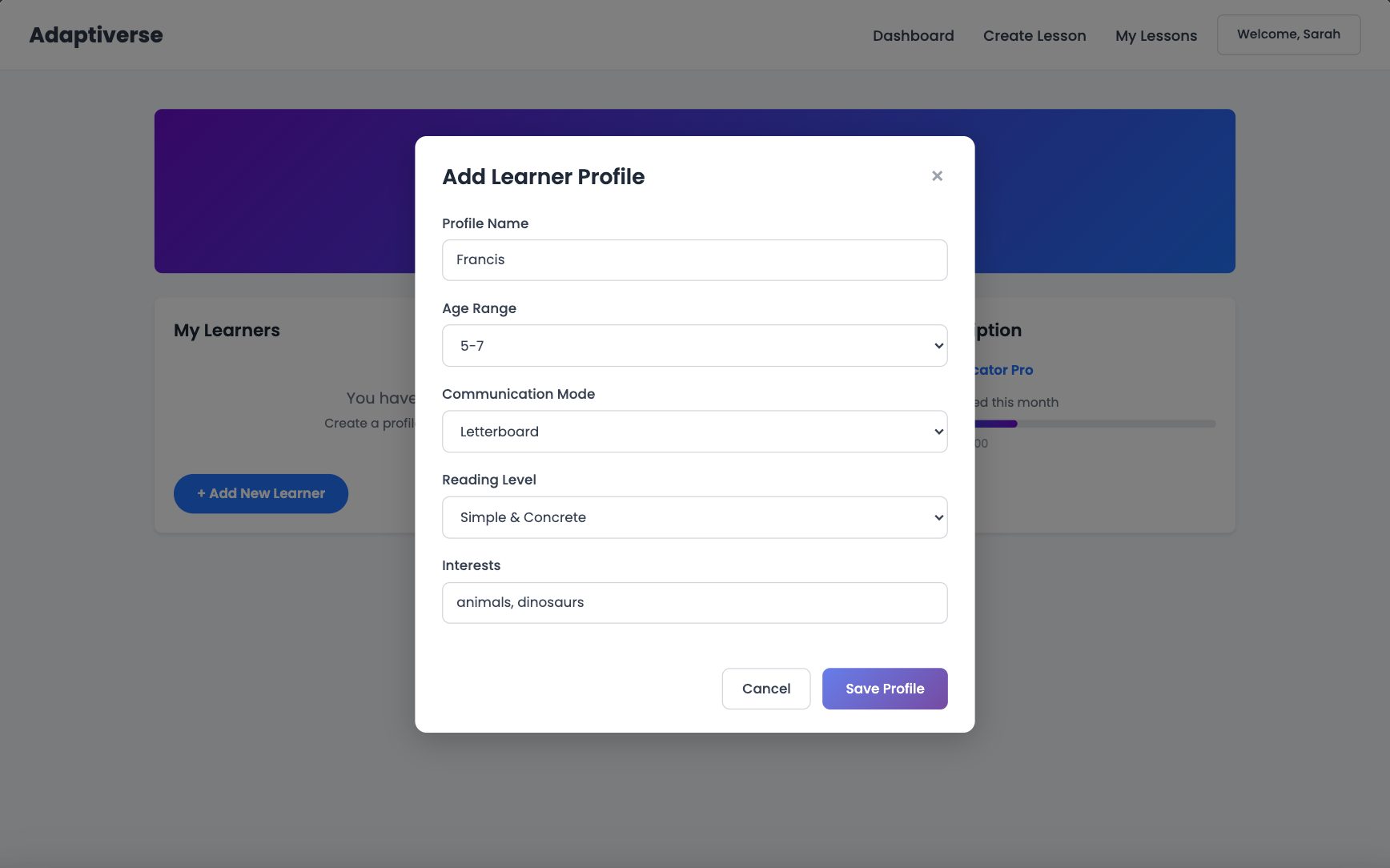
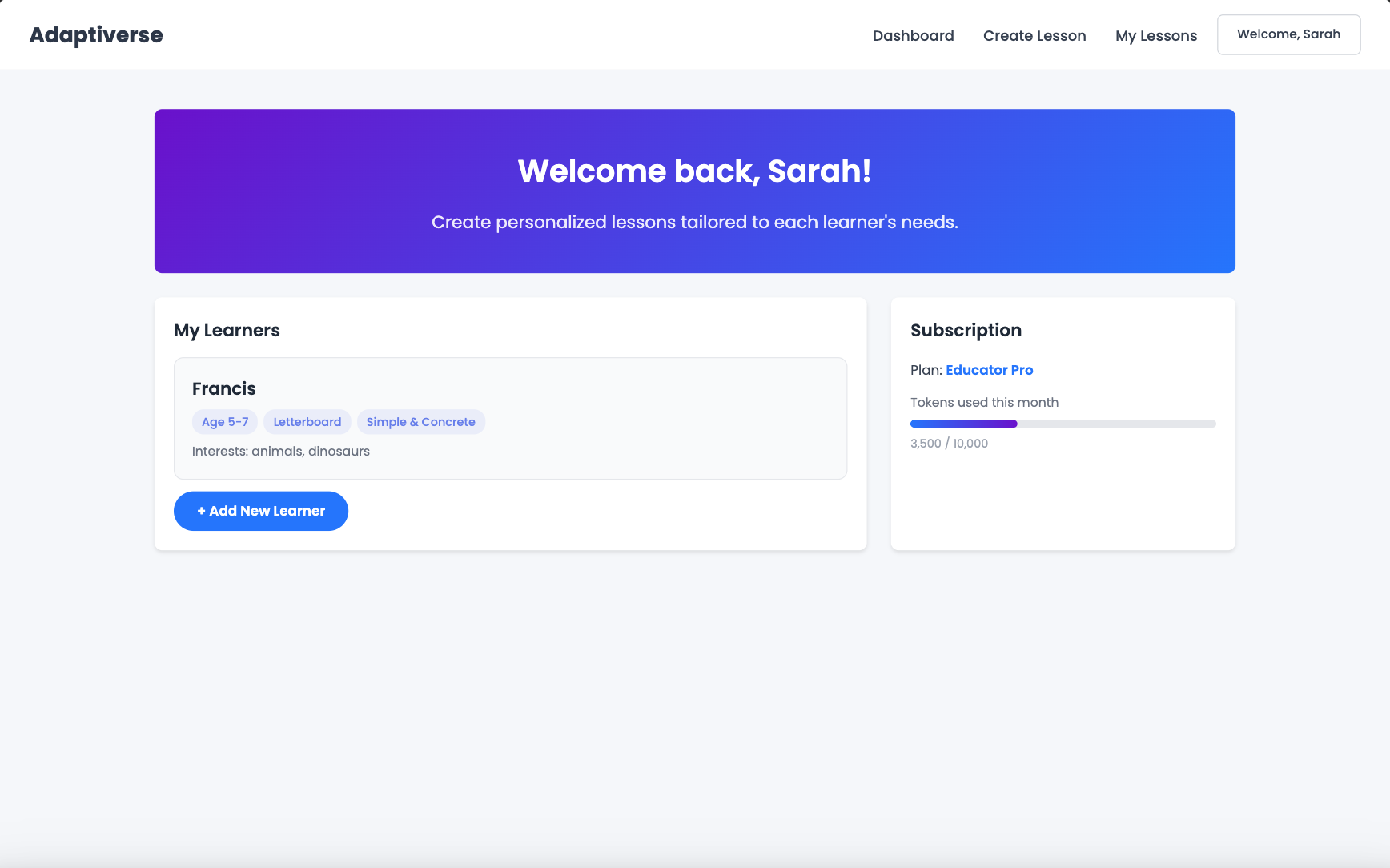
Save each learner's reading level, communication mode, interests, and preferences in one place. Select their profile when you generate a lesson — and Adaptiverse customizes everything automatically.
How It Works
Key Capabilities
Deep Personalization
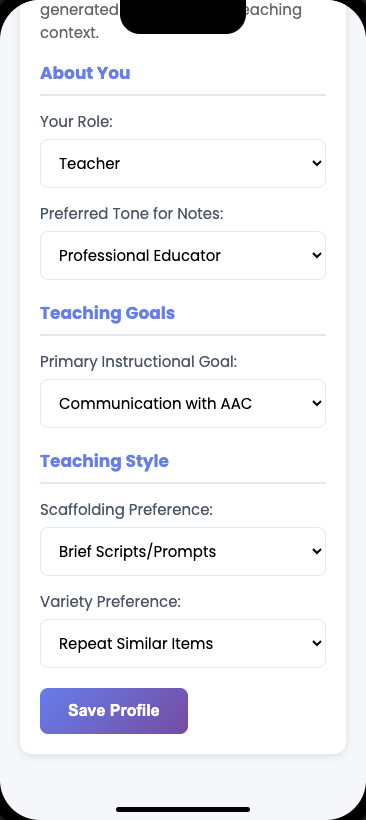
18+ fields across communication mode, reading level, interests, question preferences, sensory needs, and more. Not a reading level slider — a full learner portrait.
Privacy by Design
Leave the name blank and Adaptiverse generates a pseudonym — "Blue Owl," "Clever Fox" — so learner identity stays private. Your data, your control.
Set Up Once, Use Forever
No more adjusting settings every time you generate. One profile, every lesson. Update it as your learner grows — the platform grows with them.
Multiple Learners, One Dashboard
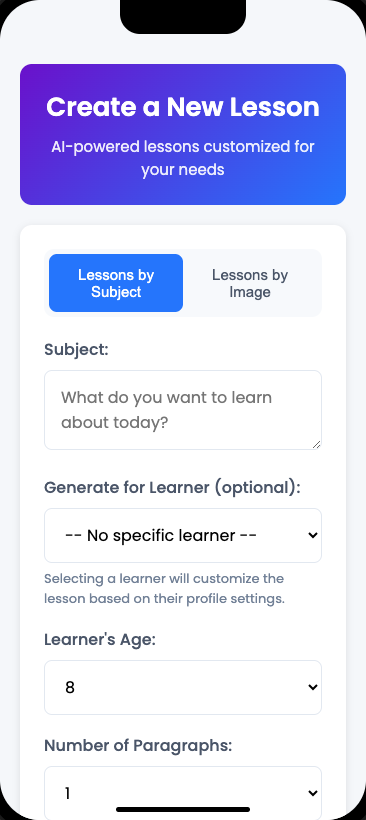
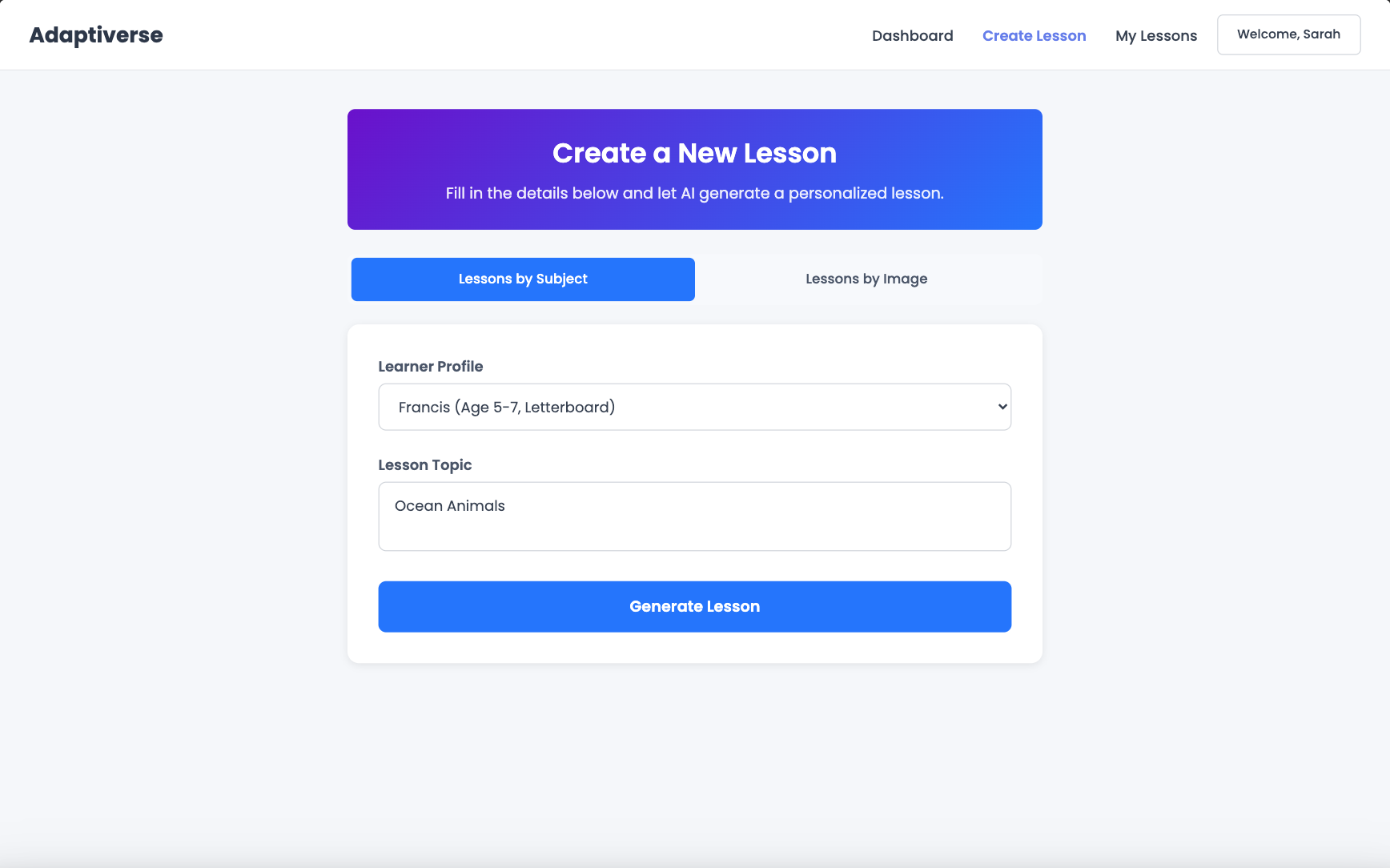
Create profiles for every learner on your caseload. Switch between them in the lesson generator with a single dropdown. Built for educators managing real workloads.
See the Difference
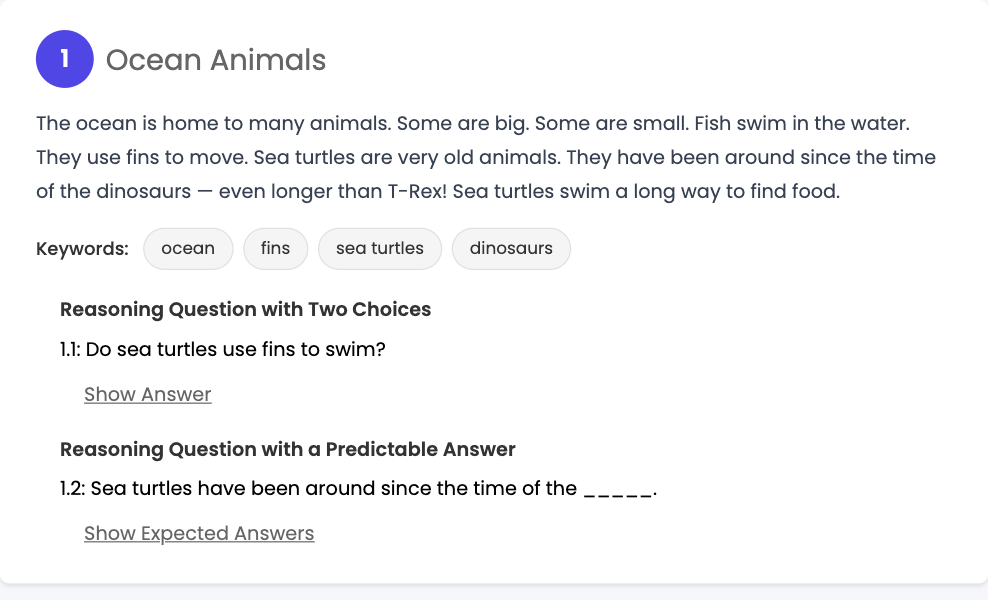
Without Learner Profiles
Every lesson starts from scratch. Set the reading level, pick the question types, remember what topics to avoid, adjust for their communication mode — every single time. For one learner, that's tedious. For a full caseload, it's unsustainable.
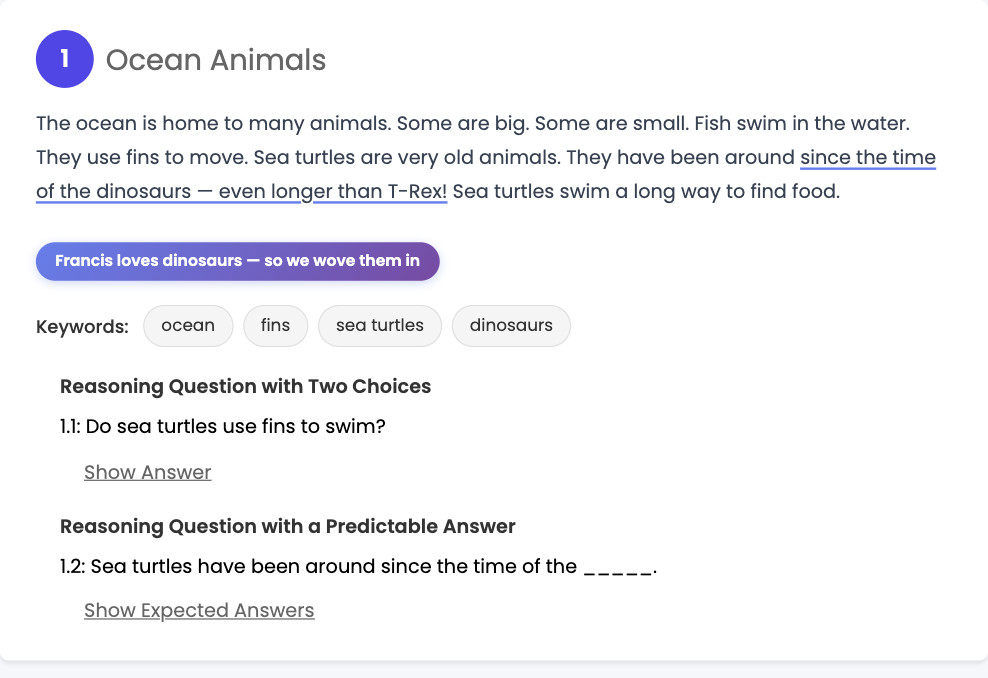
With Learner Profiles
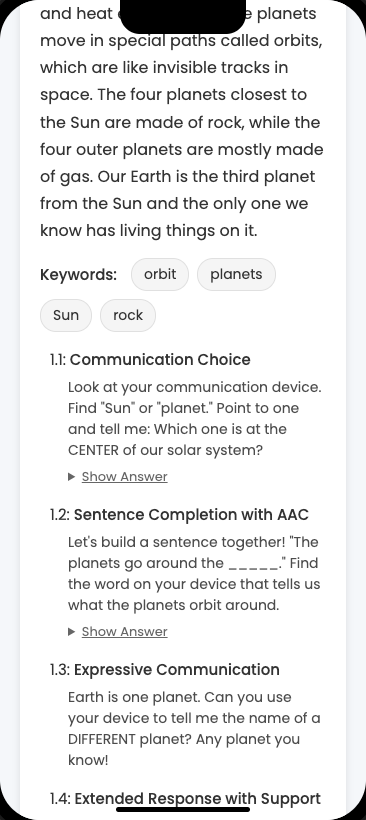
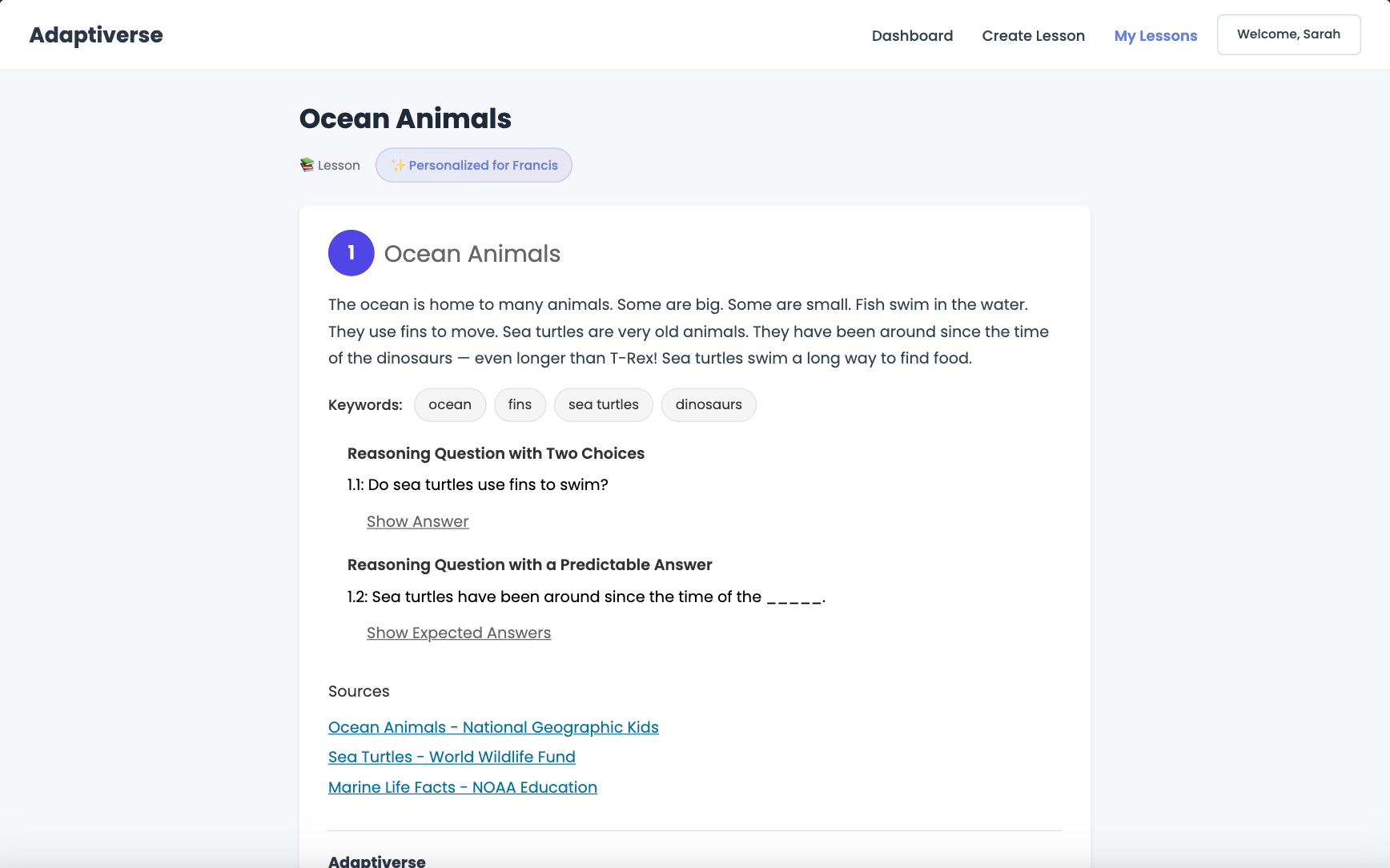
Select a profile. Enter a topic. Generate. The lesson arrives customized — right reading level, right question types, interests woven in, flagged content avoided. The setup happened once. Now you teach.
It's incredibly useful when you need to adapt on the fly. When my learner wasn't connecting with our planned lesson, I generated new content in seconds and their engagement completely changed.
See the Full Walkthrough
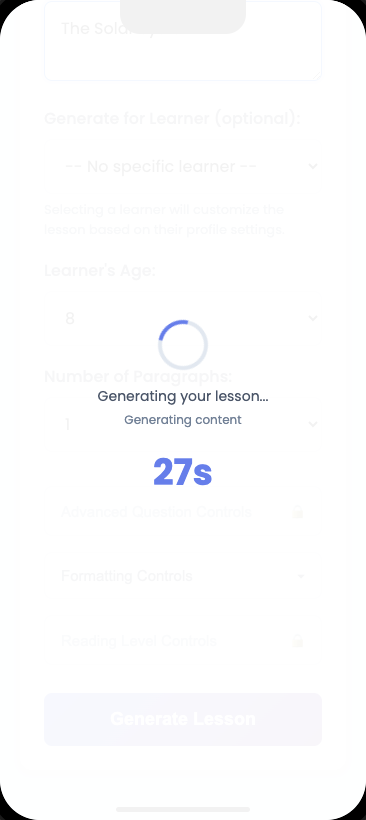
Watch how Learner Profiles work from start to finish — creating a profile, selecting it in the generator, and getting a fully customized lesson back.
Ready to try Learner Profiles?
Available now on Advanced and Custom tiers.
Go to My Learners → Not on Advanced yet? See what's included →